
Getting started
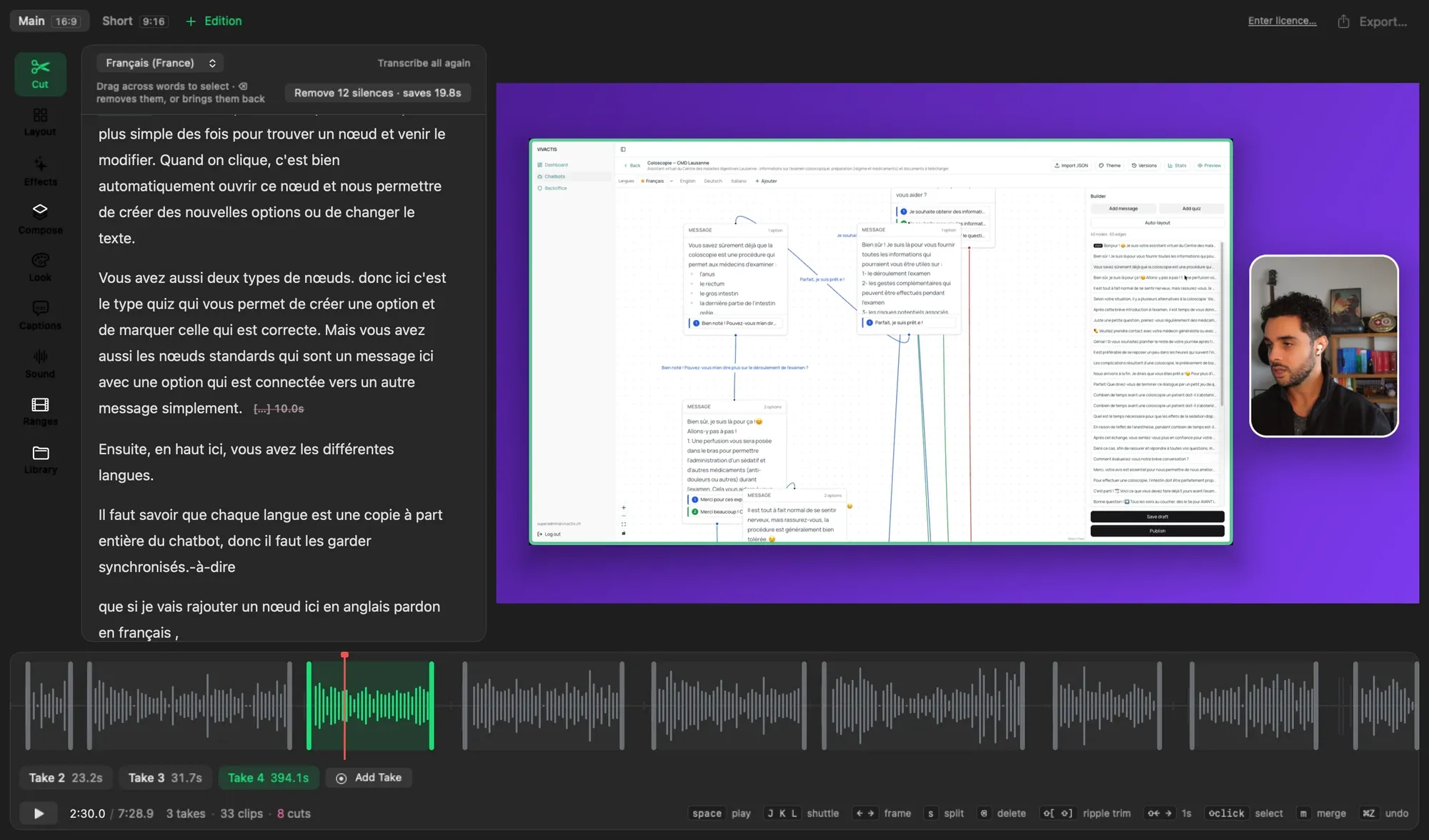
Director records your screen, your camera and your voice, writes down what you said, and lets you cut the video by editing that text. Delete a sentence, and the video skips it.
Your first video
Section titled “Your first video”-
Choose File ▸ New… and give the project a name and a place.
-
Click Record. The first time, Director asks for Screen Recording and the Microphone; the Camera is optional.
-
Say what you came to say, then stop. Director transcribes the take on your Mac, and nothing leaves it.
-
Select the words you don’t want and press Delete. The picture follows the text.
-
Click Export.
Where it goes
Section titled “Where it goes”The recording as you made it, 16:9, for a page or a player.
A vertical cut of the same project, 9:16, for a phone.
From the terminal
Section titled “From the terminal”Agents drive the running app with the director command, one change at a
time, each one an undo step in the open window:
director statedirector remove take-1 12.4 15.0